Easy Accordion helps website owners present large volumes of content in a clean, collapsible layout. Instead of overwhelming users with long pages, the accordion organizes information into expandable sections. This improves readability and keeps visitors engaged for longer periods.
Search engines also benefit from structured layouts, which help index content effectively. The plugin supports smooth animations that enhance user experience without slowing down the website.
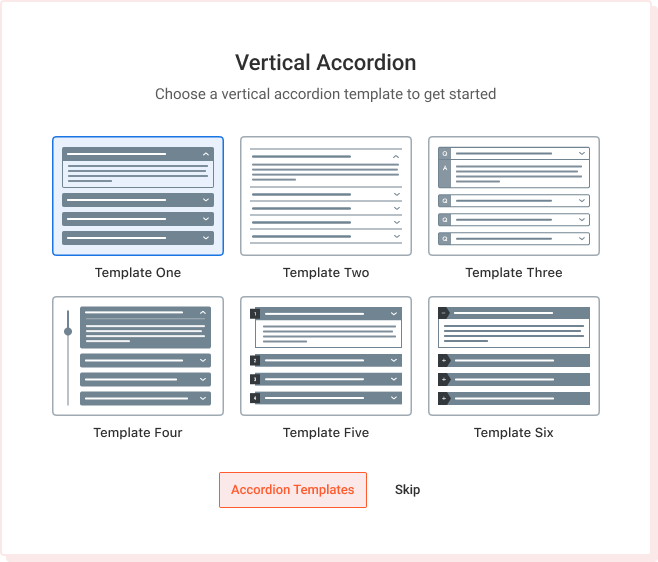
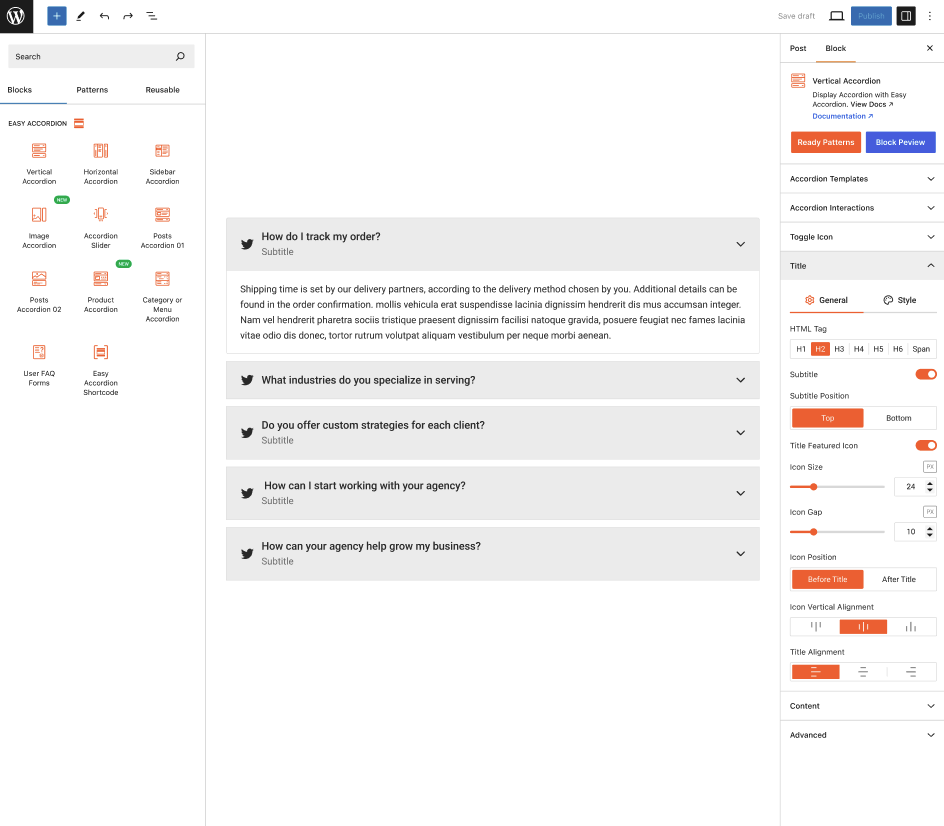
The plugin includes multiple layout presets, color controls, typography options, and spacing adjustments. Users can customize icons, borders, shadows, and animations with a few clicks. Premium settings offer advanced design tools for branding, theme matching, and professional presentations. The real-time preview simplifies experimentation.
Yes, Easy Accordion is compatible with almost all modern WordPress themes. It follows standard WordPress coding practices to ensure smooth integration. Whether using page builders, custom themes, or lightweight frameworks, the plugin adapts easily. Style conflicts are minimized thanks to clean and modular CSS. Users can further customize appearance using custom styling options.
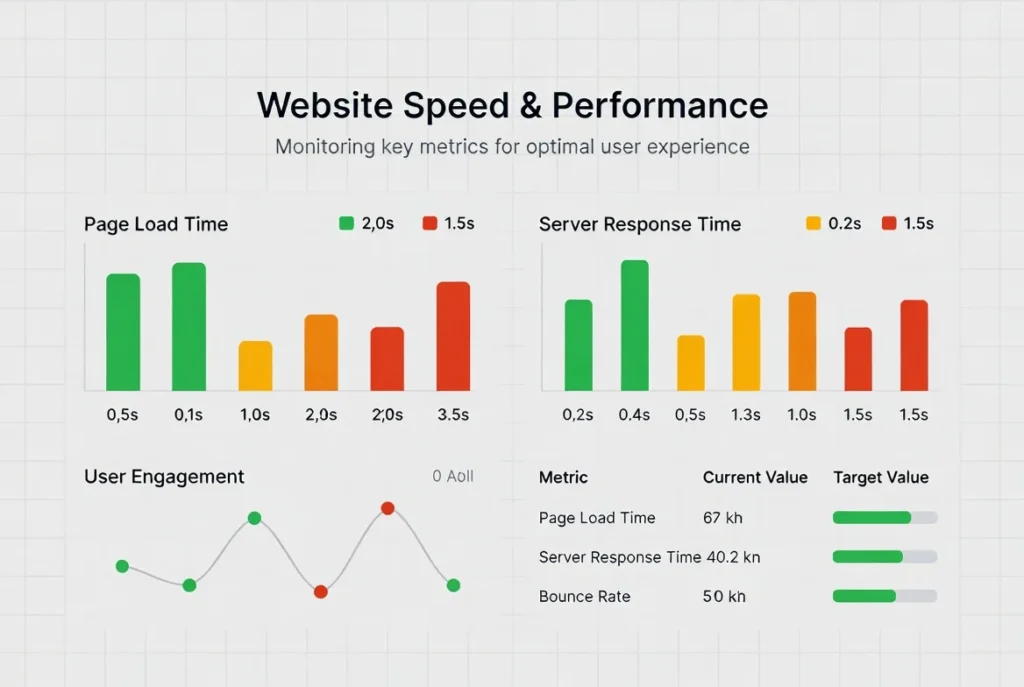
The plugin loads only necessary assets, ensuring minimal impact on page speed. Its clean code structure prevents unnecessary bloat. Lazy loading and optimized JavaScript improve performance on larger pages.
Compatibility with caching plugins further boosts speed. Users benefit from fast interactions even with multiple accordions.
Easy Accordion includes 10+ dedicated Gutenberg block for seamless editing. Users can insert, customize, and preview accordions directly within the block editor. It also works well with builders like Elementor, Divi, and Beaver Builder through shortcode support.
Easy Accordion Gutenberg Block List
- Vertical Accordion
- Horizontal Accordion
- Sidebar Accordion
- Image Accordion
- Accordion Slider
- Post Accordion 01
- Post Accordion 02
- Product Accordion
- Category or Menu Accordion
- User FAQ Froms
- FAQ Search
- Toggle All Button
Users can upgrade by purchasing a license from the official website. After installing the Pro version, additional features like advanced styling, icon sets, animations, and priority support become available. Pro features enhance usability and extend customization possibilities. The upgrade process is simple and requires no technical expertise.
The block editor supports quick duplication of accordion items, allowing users to replicate structure without starting from scratch. This is especially useful when creating documentation, FAQs, or repeating layouts. Duplicated items retain design settings and formatting, saving time during content creation. Editing afterward is quick and intuitive.